Start Server, boot from Server 2025 ISO:
Select install language and locale

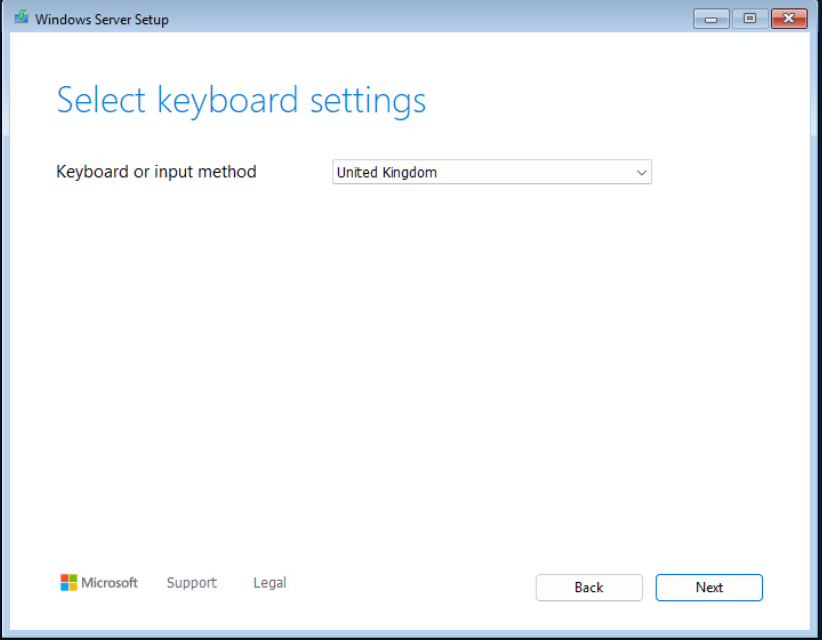
Select appropriate Keyboard layout
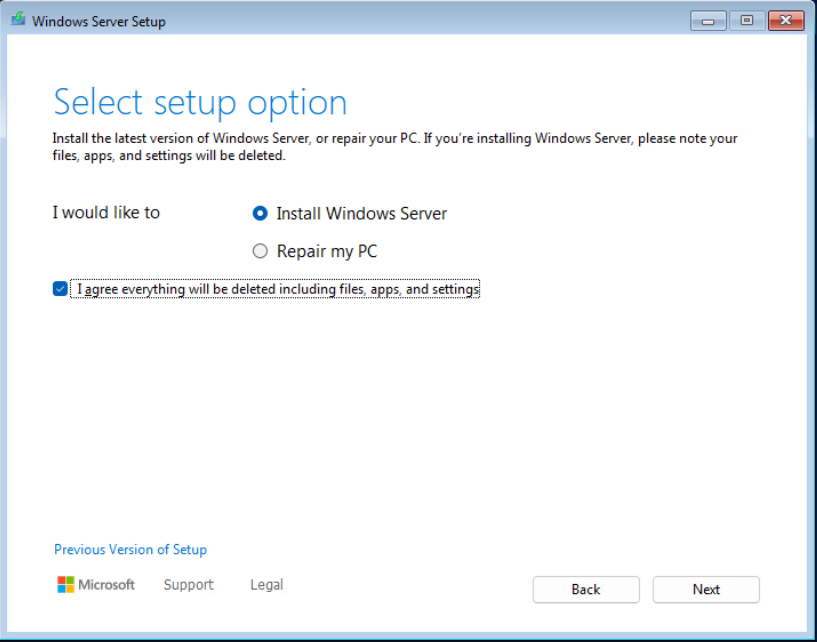
Select install & agree to the warning
Select appropriate edition to install.

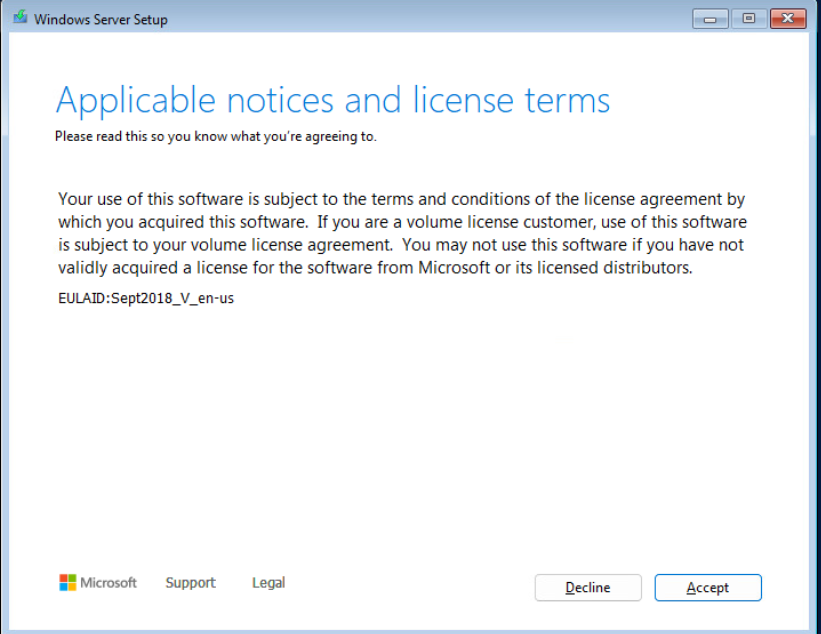
Accept the license agreement
Select the installation location. This is on a VMware VM using the VMware paravirtualized SCSI adapter for the Virtual Hard Disk, so no requirement to select “Load Driver”
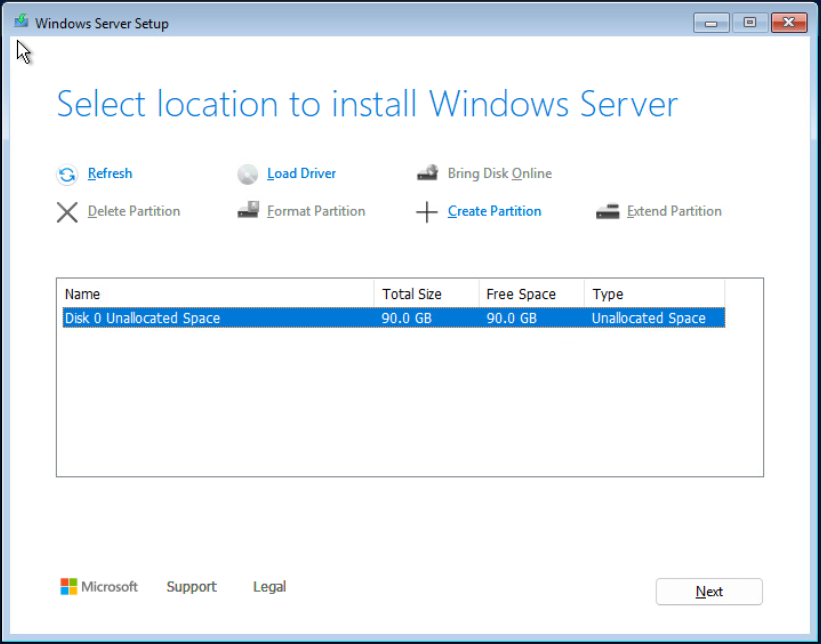
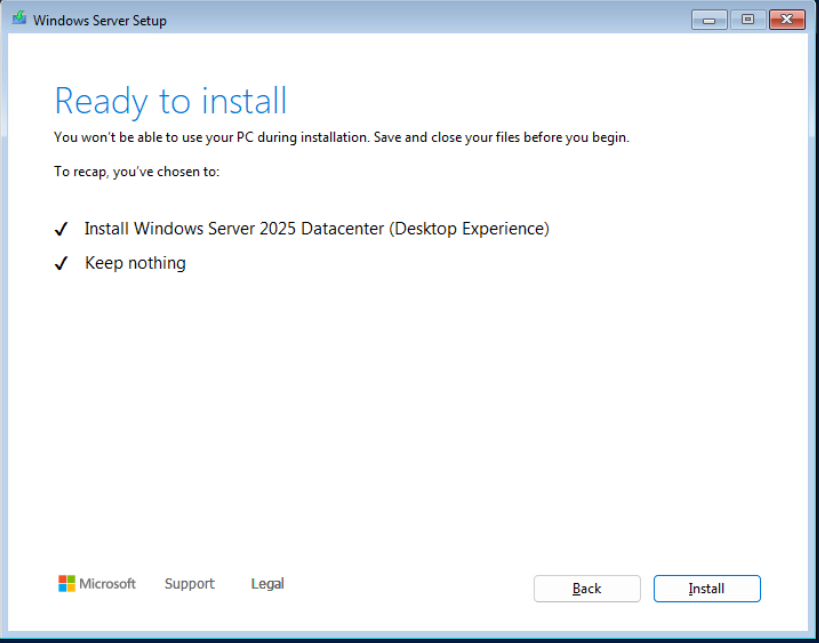
Select install
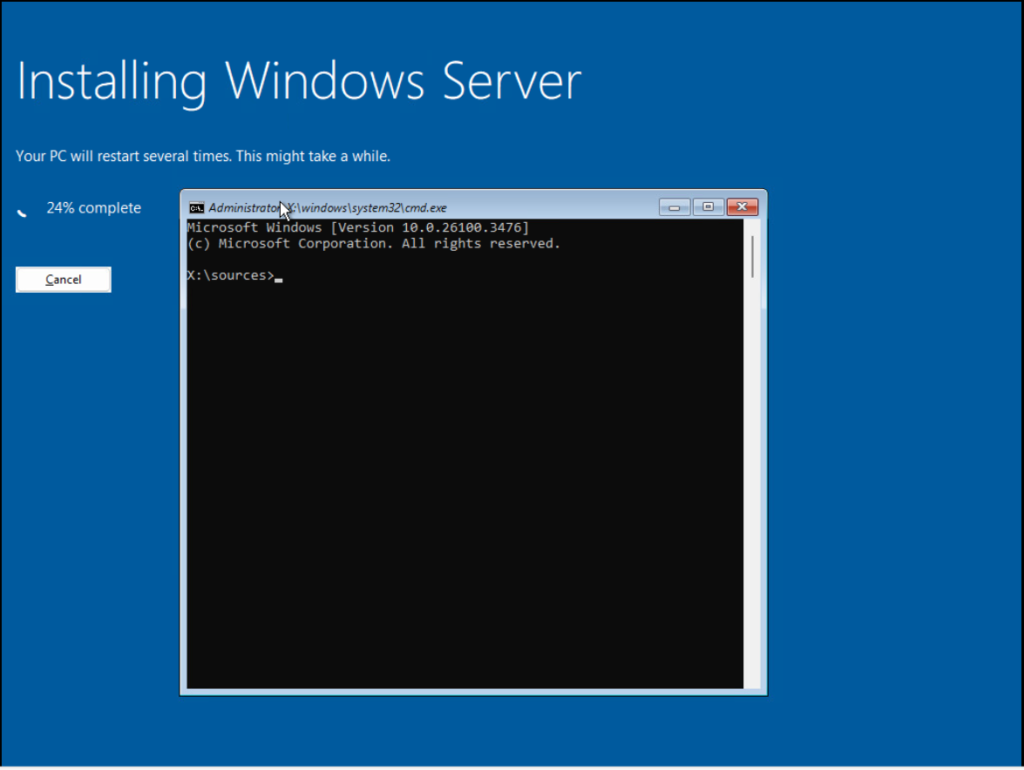
Server installation will start and reboot the system automatically upon completion. Shift+F10 can be used to launch a command prompt for diagnostic/troubleshooting if required.
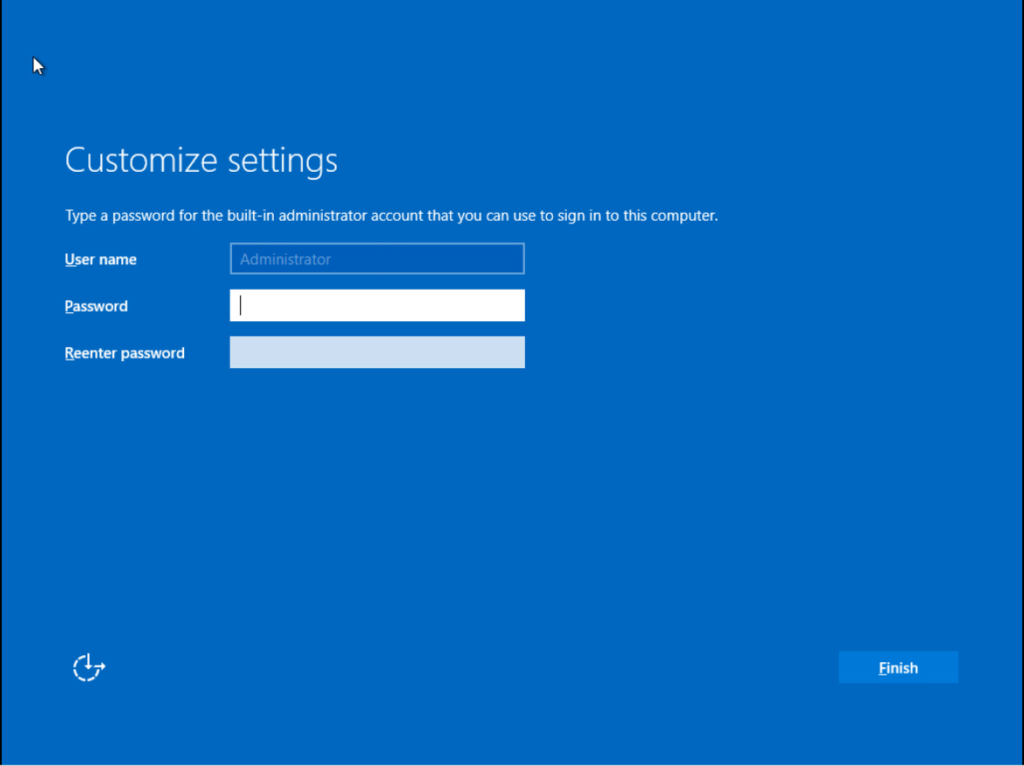
Enter a password for the local administrator
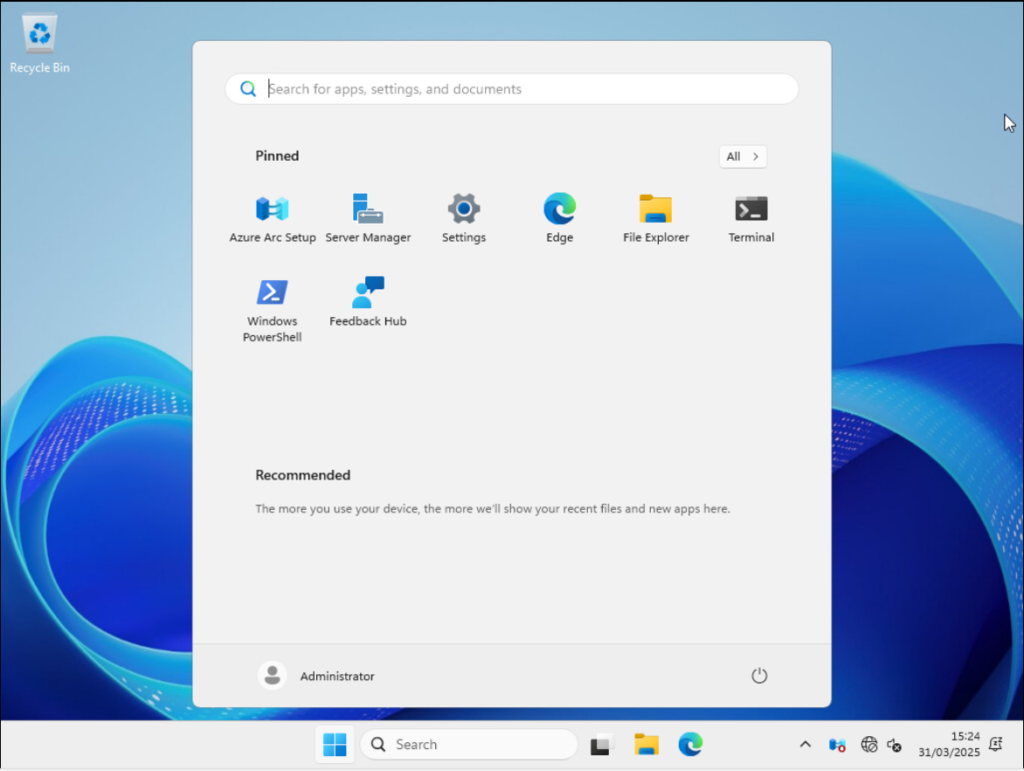
System is now ready to use.