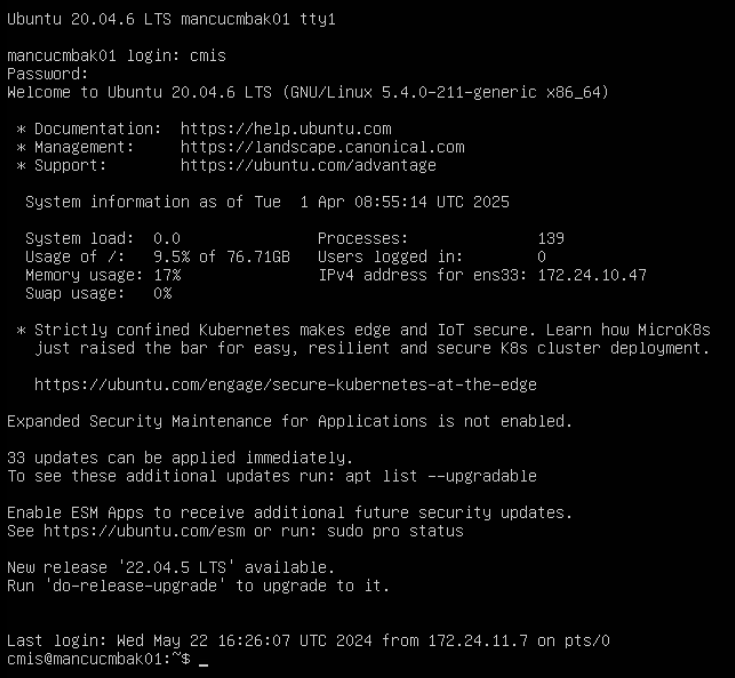
Restart the system and immediately be tapping ESC (escape). Tap it, don’t hold it, or the EFI configuration will start instead of the GRUB menu.
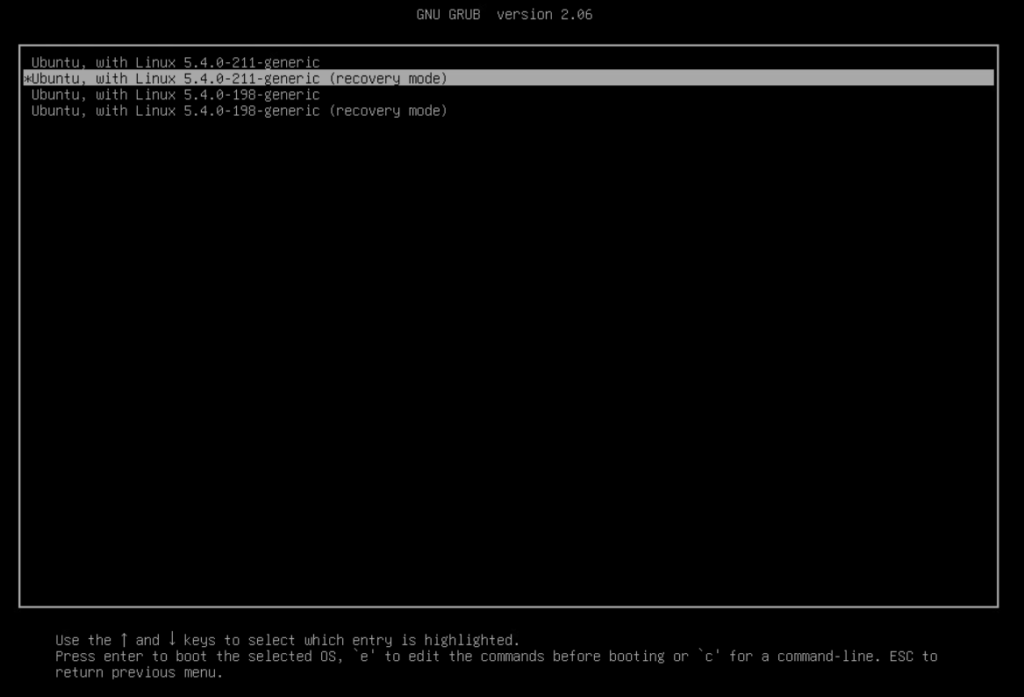
Select “advanced options for Ubuntu”

Select “recovery mode”
At the menu, select “root”
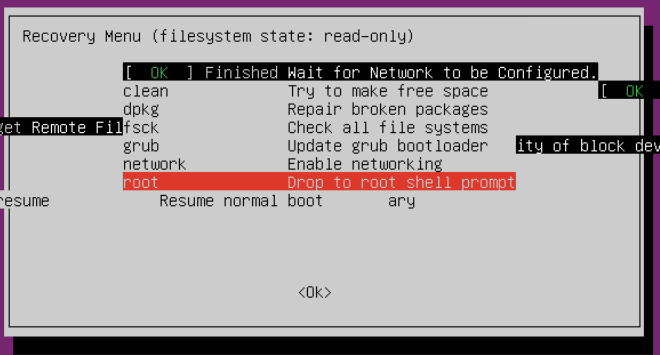
At the prompt, press enter. Then enter the command:
mount -o remount,rw /

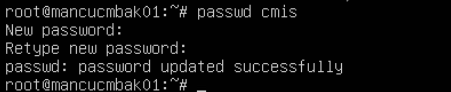
Type passwd followed by the username for the user whose password needs to be reset e.g. in this example, the only user on the system is cmis
restart the system and login