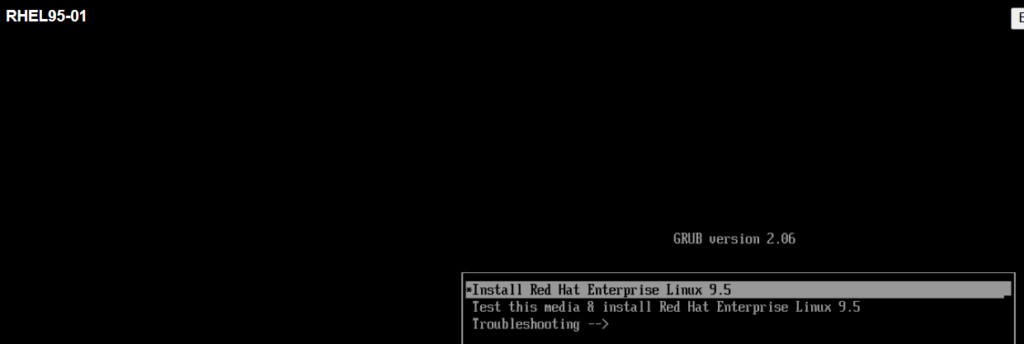
Start the VM/Server & select “Install Red Hat Enterprise Linux 9.5”
Select language/locale and then [Continue…]

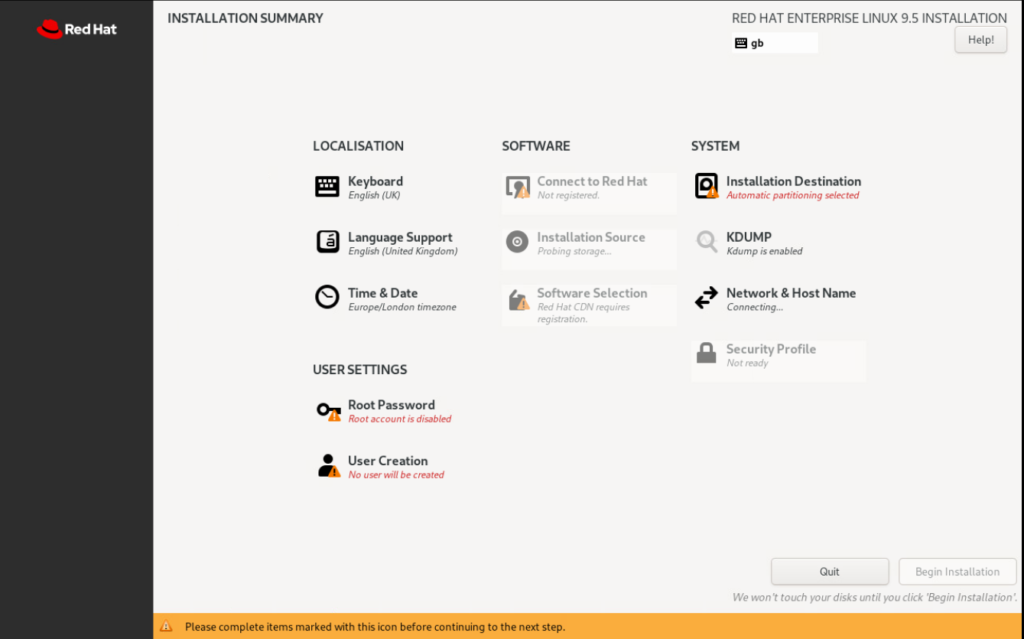
To start the installation, the following must be selected:
- Installation Destination
- User Creation
- Connect to Red Hat (only mandatory if using the minimal 1GB installation iso (rhel-9.5-x86_64-boot.iso)
Installation Destination
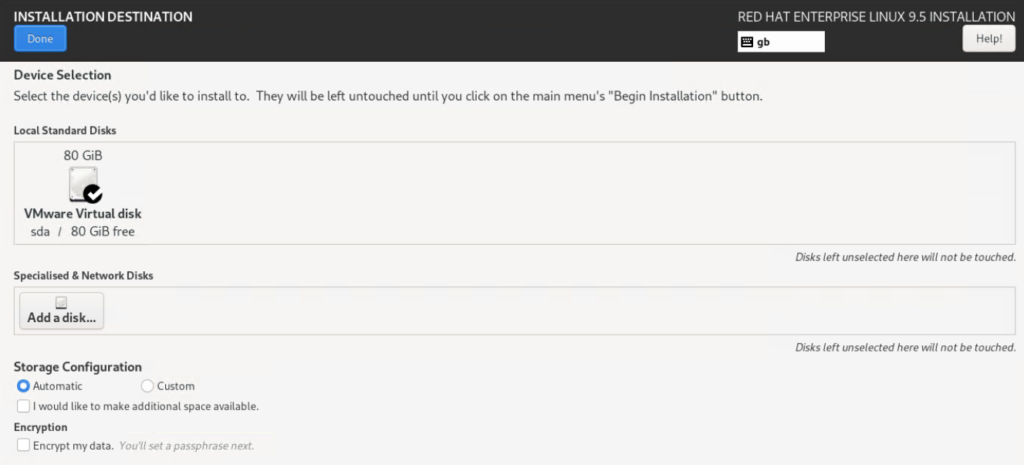
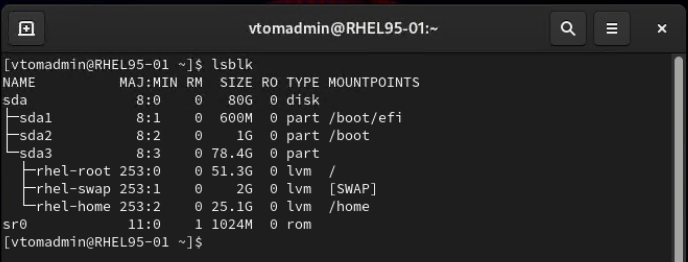
The default disk layout options will create 3 partitions:
User Creation
Create a new “admin” user so select “Make this user administrator” to allow it to use sudo. This account will be used for sysadmin tasks so be sure to use a complex password e.g. a phrase (sentence) with spaces, numbers, special characters, etc.

Network Connectivity
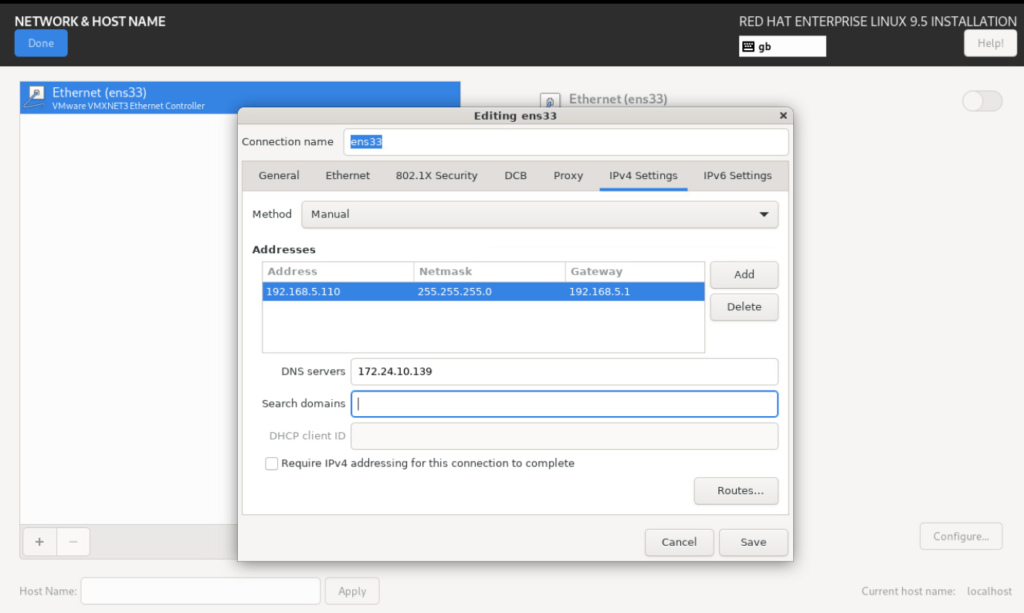
Optional: Configure network access by selecting “Network & Host Name”
Configure Network by selecting the adapter (Ethernet (ens33)) and then “configure” followed by “IPv4 Settings”. Enter an IPv4 address, subnet mask, gateway, and DNS Server address(es):
Select [Begin installation] to continue. Once installation is completed, select [Reboot System] to complete and reboot the server:

Login:
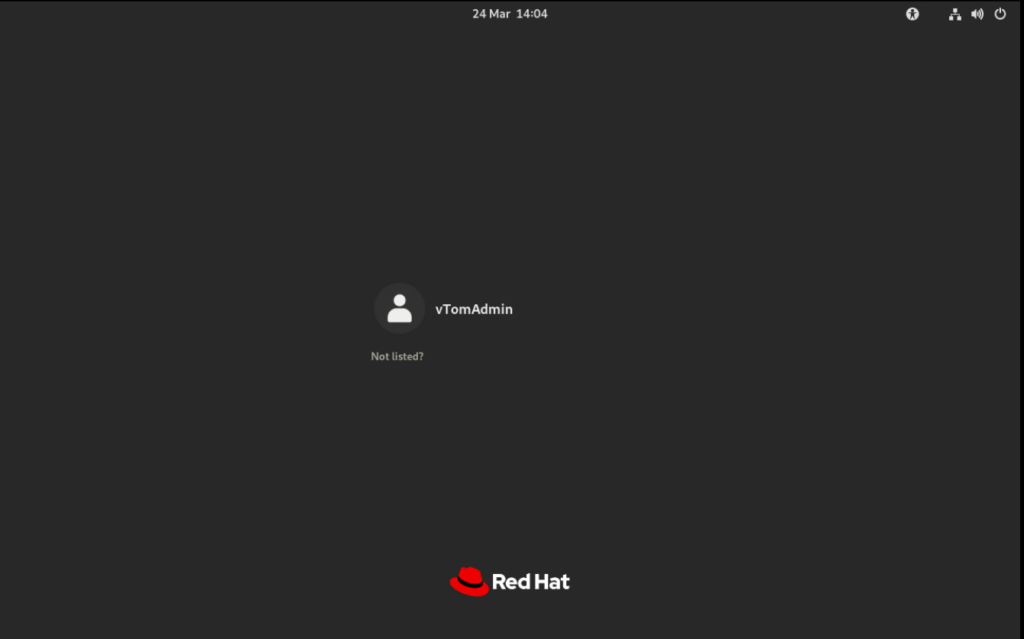
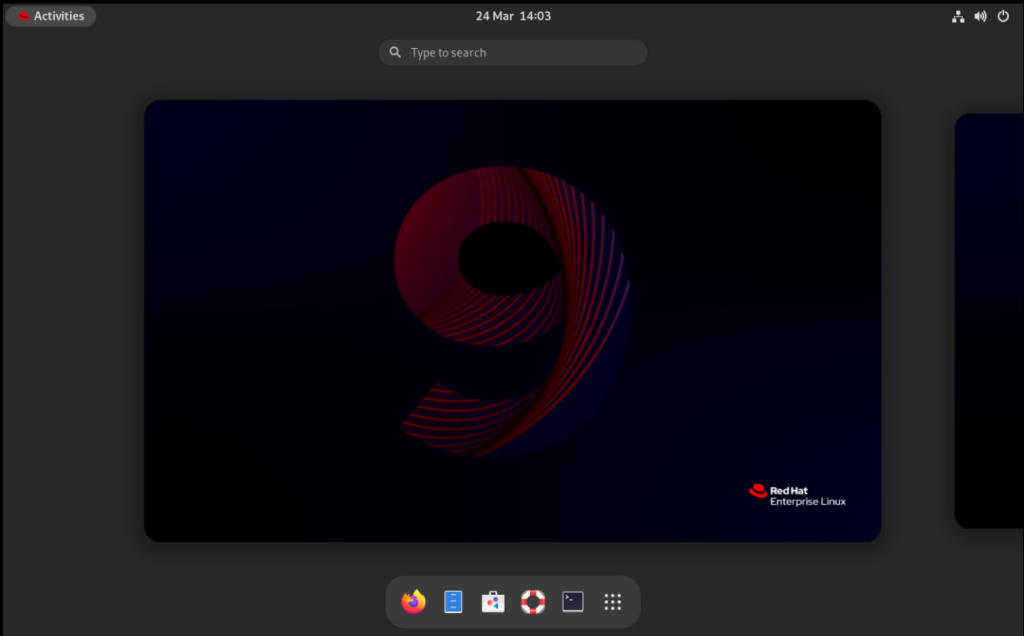
Server is ready to use. Default installation “Server with GUI” uses the GNOME desktop manager: